
How to Search Chester County Traffic Court Records
Traffic dockets live on the free UJS Web Portal. The portal is statewide, and it shows Magisterial District Court traffic, non-traffic, civil, criminal, and landlord-tenant cases. To find a Chester County ticket, set the court type to Magisterial District Courts and the county to Chester. The portal shows open and closed cases, paid and unpaid balances, and the disposition once a judge enters it.
Get your details ready first. A citation number is the fastest way to land on the right docket. A name search works too, though common names return many matches. Chester County district court dockets begin with MJ-15, so that prefix tells you the case sits in the county's district courts.
The steps below walk through a basic citation lookup from start to finish.
- Open the UJS case search and pick a search type.
- Choose Magisterial District Courts, then select Chester as the county.
- Enter the citation number, or search by last and first name.
- Open the docket sheet to read the charge, plea, hearing date, and disposition.
- Pay the ticket, file a not guilty plea, or request a certified copy from the court.
Which Courts Handle Traffic Cases in Chester County
Traffic tickets and citations are handled in the Magisterial District Courts, not the Court of Common Pleas. The county's Magisterial District Judges hear summary traffic and non-traffic cases, minor criminal matters, civil complaints up to $12,000, bail, and preliminary hearings. A traffic citation reaches Common Pleas only on appeal, or when it ties to a criminal matter such as a DUI held for court.
Each district court covers a set of townships and boroughs. The ticket names the issuing court, and that office holds the paper file. The table below shows how traffic work splits across the county's court levels.
| Court | Traffic Cases Handled | Docket Prefix |
|---|---|---|
| Magisterial District Courts | Summary traffic citations, equipment and non-moving violations, most moving violations | MJ-15 |
| Court of Common Pleas | Traffic appeals from a district court, and DUI cases held for court | CP-15-CR |
| Local / municipal process | Some parking and local ordinance matters, depending on the issuing authority | Varies |
For more on the district courts and the judges who staff them, see Chester County Magisterial District Courts.
Types of Traffic Cases on Record
Traffic cases come in a few flavors, and the type shapes how the case moves and what it costs. Most are summary offenses handled at the district court. The list below sorts the common Chester County traffic case types.
- Moving violations - speeding, running a stop sign or red light, careless driving, following too closely, and improper passing or turning.
- Non-moving and equipment - registration, inspection, insurance, lighting, and paperwork violations.
- Parking and local ordinance - may run through a municipal process or a district court, depending on the issuing authority.
- Commercial and CDL - tied to state and federal reporting, often with fewer diversion options.
- DUI - a criminal matter, not a simple traffic docket; it may begin at a district court and move to Common Pleas.
- Juvenile traffic - may carry confidentiality rules and require a parent or guardian to appear.
The Vehicle Code sets out the citation and enforcement rules for these offenses, and the official chapter is shown next.
Pennsylvania's Vehicle Code Chapter 63 covers how officers issue and process traffic citations.
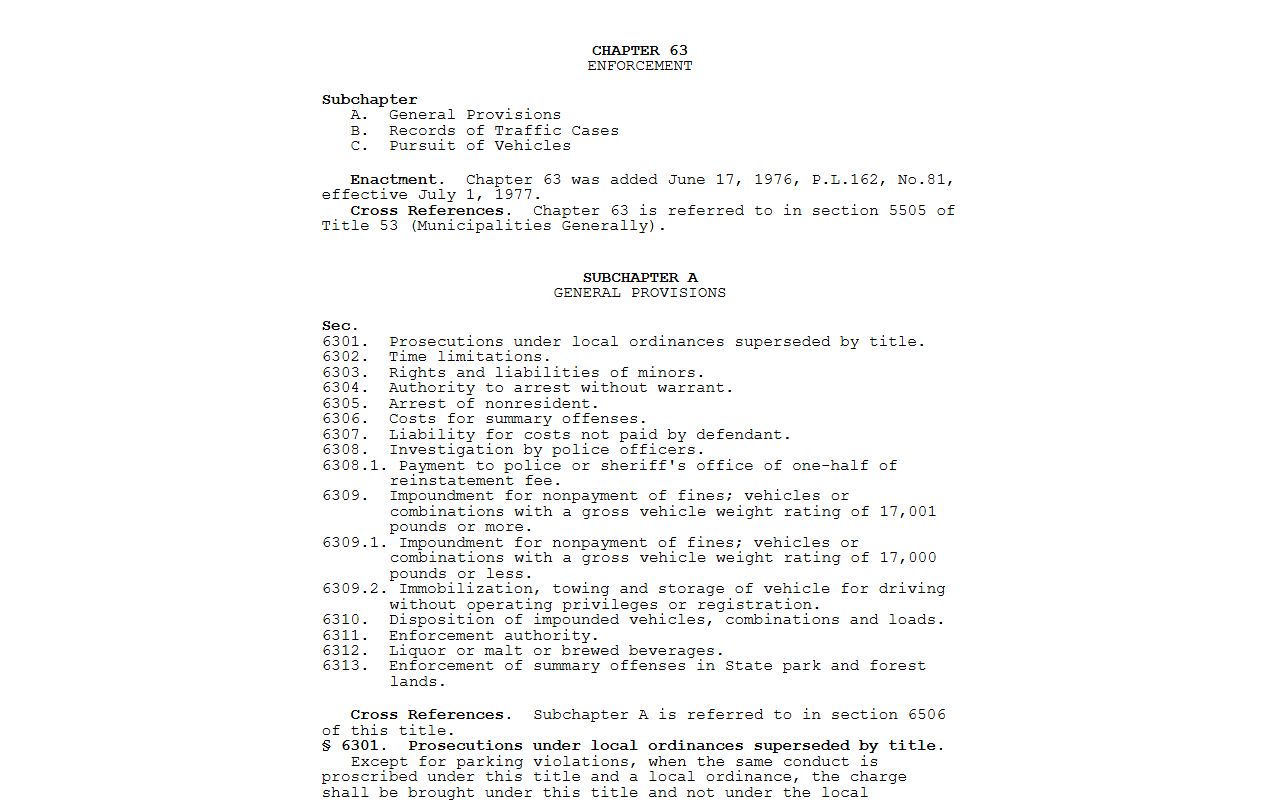
That chapter is the legal backbone for most summary traffic charges that land on a county docket.
What Chester County Traffic Court Records Show
A UJS traffic docket is a public summary of one citation. It names the defendant, the charge, the plea, and the result, and it tracks each event in date order. The actual citation and any paper filings stay with the district court office. The field inventory below lists what a typical Chester County traffic docket shows.
| Field | What It Shows |
|---|---|
| Citation Number | The number printed on the ticket the officer issued |
| Docket Number | The case ID, beginning MJ-15 for a Chester County district court |
| MDJ Court / Judge | The district court office and the Magisterial District Judge |
| Defendant | The cited driver's name |
| Citation Date | When the ticket was written or filed |
| Police Agency | The issuing agency or officer where public |
| Vehicle Code Section | The statute or local ordinance charged |
| Charge / Grading | The offense description and how it is graded |
| Plea | Guilty, not guilty, not entered, or withdrawn |
| Hearing Date | The set date when a hearing or appearance is required |
| Disposition | Guilty, not guilty, dismissed, withdrawn, or a trial result |
| Fine / Costs / Plan | Fine, costs, fees, any payment plan, and the balance |
| FTA / Warrant Events | Failure-to-respond or failure-to-appear and warrant entries if docketed |
| Appeal to Common Pleas | Notes if an appeal was filed to the higher court |
Note: a traffic docket does not list the points for each violation, since points sit on the state driver record instead.
Searching by Citation Number vs by Name
Both methods reach the same docket, but they behave differently. A citation number points straight to one ticket, so it is the cleanest way in when you have the paper. A name search casts a wider net and can pull many people, which is why a first name and a date filed help trim the list. Watch the citation format, since a missed digit returns nothing at all.
The UJS traffic search shares one form, and you fill only the fields you need. The search-field table below lists the common fields for a Chester County district court traffic lookup.
| Search Field | Type | Required | Notes / Format |
|---|---|---|---|
| Court Type | Dropdown / Tab | Yes | Magisterial District Courts for most traffic citations |
| County | Dropdown | Often | Chester narrows to county district courts |
| Citation Number | Text | Conditional | Best path for a single ticket |
| Participant Name | Text | Conditional | Last name and first name for a name search |
| Date Filed | Date | No | Narrows by a filing date range |
| Docket Number | Text | Conditional | MJ-15 format if you know it |
Paying or Contesting a Chester County Traffic Ticket
Read the ticket first. The citation names the issuing district court and usually prints the response and payment steps. Payable tickets can be handled online through PAePay using the Pay Online menu for a Traffic Ticket or Court Costs. Limited-access cases and some payment plans cannot be paid online, so those go through the court. One caution matters: paying a payable citation through PAePay may act as a guilty plea and waive your hearing, so confirm the citation instructions before you send money.
To fight a ticket, enter a not guilty plea the way the citation and the district court instruct, and post any required collateral. The court then sets a hearing where you can bring evidence, witnesses, and counsel. Missing that hearing can lead to a default, added costs, a license hold, or a warrant. If you are found guilty and eligible, you can appeal to the Court of Common Pleas within the deadline set by the rules. The steps below lay out the full path.
- Read the citation front and back to find the issuing court and the response options.
- Search the citation on the UJS portal by citation number or by name under Magisterial District Courts, County: Chester.
- To plead and pay, use PAePay for a Traffic Ticket or Court Costs if the ticket is payable online.
- Check the instructions first, since paying may count as a guilty plea and waive the hearing.
- To contest, enter a not guilty plea per the court's instructions and pay any required collateral.
- Appear at the scheduled district court hearing with your evidence, witnesses, and counsel.
- If found guilty and eligible, appeal to the Court of Common Pleas within the required deadline.
- For license status, points, or suspensions, use PennDOT driver services, not the court docket.
Public Access Laws for Traffic Court Records
Traffic dockets are court records, so they follow the judiciary's own access rules, not the open-records law that covers agency files. The UJS Public Access Policy decides what shows on a docket and what gets redacted. That is why a public docket lists the charge and the result but hides sensitive personal data. The Vehicle Code, meanwhile, sets the citation and enforcement procedures behind each case.
Key Statutes:
75 Pa.C.S. Chapter 63 - governs traffic citation and enforcement procedures under the Vehicle Code.
UJS Public Access Policy - controls how traffic docket information is displayed and redacted online.
Court Traffic Records vs State Driver Records
This is the split that trips people up most. The court traffic record is the case file for a single citation, and it lives on the UJS portal or at the district court. The PennDOT driver record is a separate file that tracks a driver's violations, departmental actions, and accidents across time. One is the court case; the other is the licensing history. PennDOT keeps its driving records from police and court reports, but it does not list the points for each violation, and it is not the citation docket.
PennDOT explains the difference between its records and court files on its public records FAQ.
The PennDOT public records FAQ spells out that driver histories come from PennDOT, not the court docket.
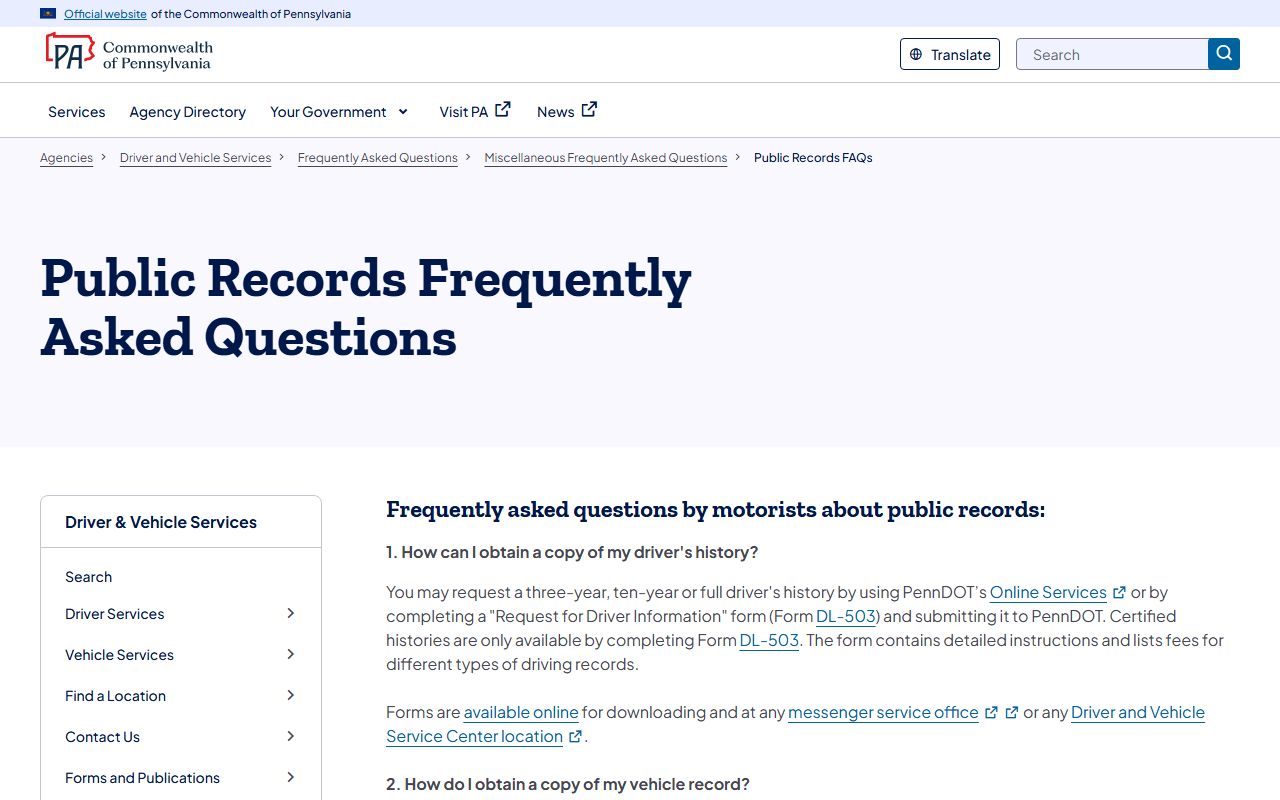
The comparison table below sets the two records side by side.
| Comparison Point | Court Traffic Record | State Driver Record |
|---|---|---|
| Record source | UJS portal and the Magisterial District Court | PennDOT Driver and Vehicle Services |
| What it shows | Citation, charge, plea, hearing date, disposition, fine and costs | Violations, departmental actions, and accidents for the requested period |
| Where to access | UJS Web Portal or the issuing district court office | PennDOT Online Services or Form DL-503 |
| What it does NOT show | Full driver history, license status, or full point accounting | The citation docket, or the points for each single violation |
Requesting a Chester County Driver Record from PennDOT
When you need license status, accident history, or a certified record, you go to PennDOT, not the court. A driver can request a three-year, a ten-year, or a full driver history through PennDOT Online Services or by filing Form DL-503. The online version downloads and prints, while a certified history is only available by completing Form DL-503. PennDOT keeps a driving record for every licensed driver and updates it from the police and court reports it receives.
PennDOT's driver history FAQ explains what a record holds and how the point rule works.
The PennDOT driver history FAQ notes that a history lists violations, actions, and accidents but not the points for each one.
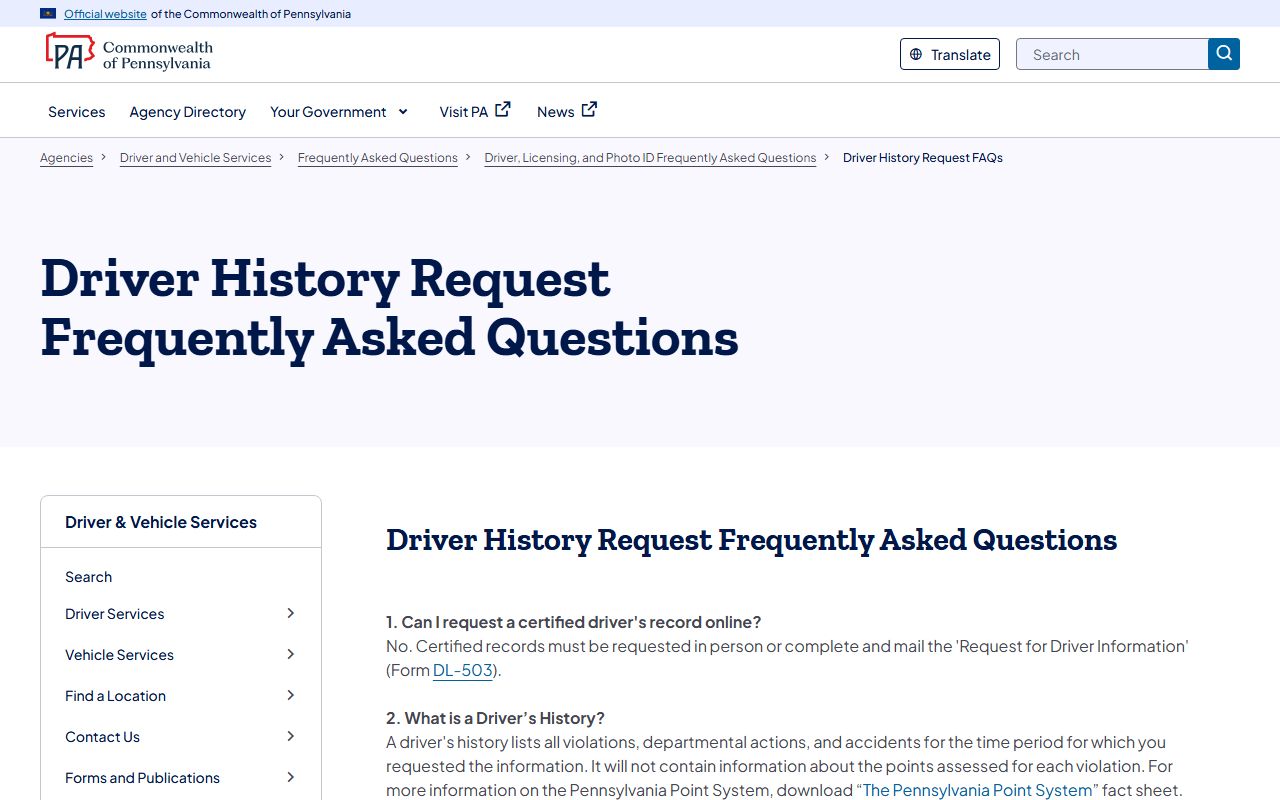
An online request needs a few personal details and a card, as the field table below shows.
| Field Label | Type | Required | Notes / Format |
|---|---|---|---|
| Driver's License Number | Text | Yes | Required for an online personal record |
| Date of Birth | Date | Yes | Used to authenticate the driver |
| Last four digits of SSN | Text | Yes | Sensitive data used to authenticate |
| Record type | Dropdown | Yes | Three-year, ten-year, or full history; certified needs DL-503 |
| Payment / card | Payment | Yes | Credit or debit card required online |
The official request service is shown here for reference.
You can start an online order on the PennDOT driver record request page.
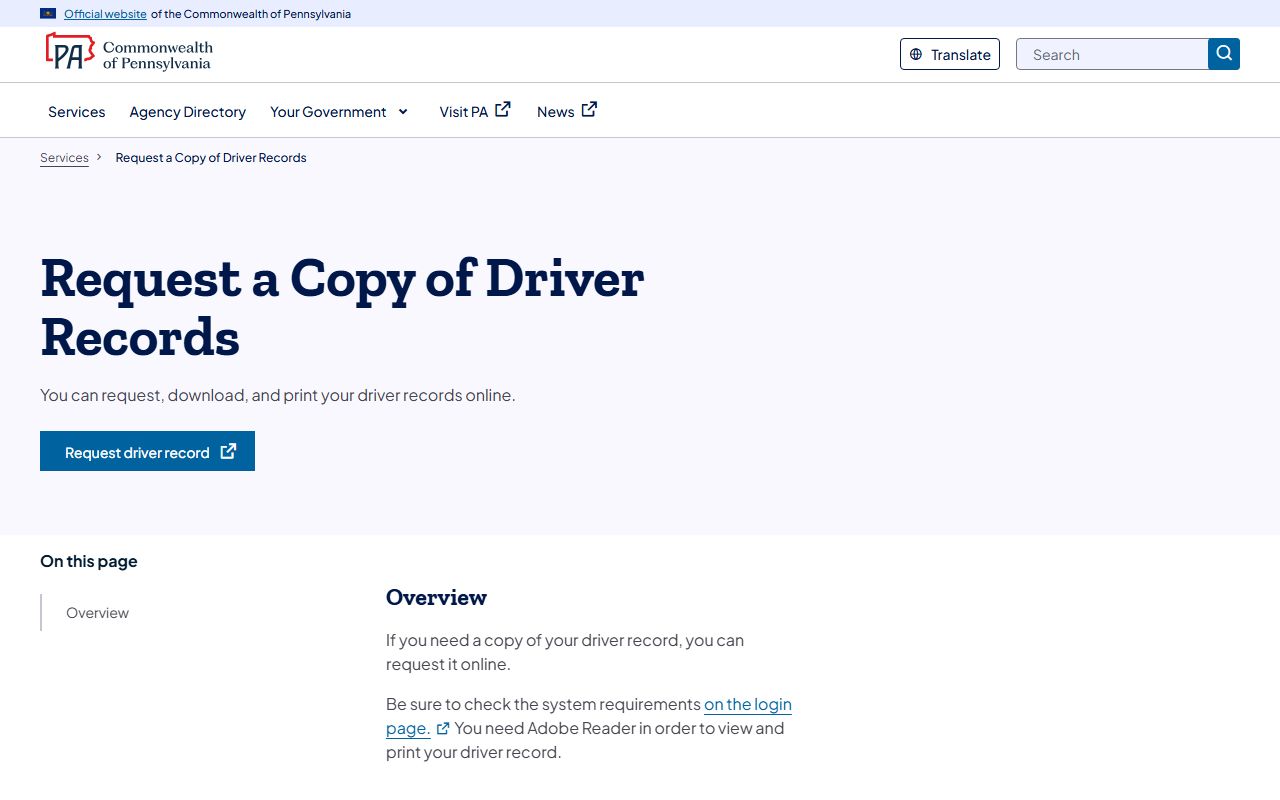
The state also runs a dedicated tool for pulling an individual record on demand.
The PennDOT individual driver record service is the official start point for a single online record.
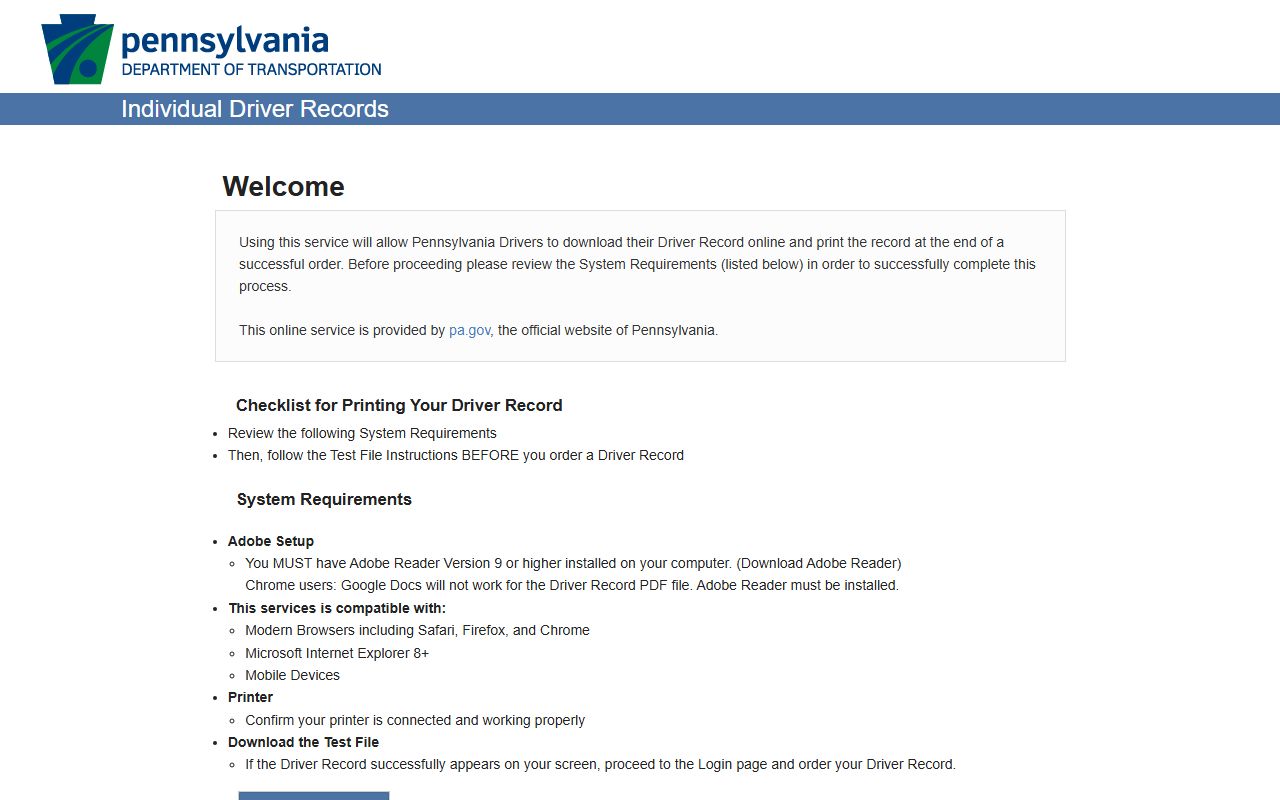
For background on how the record is built, PennDOT's driver manual covers the source reports.
Chapter 4 of the PennDOT driver manual describes the driving record and what an online request requires.
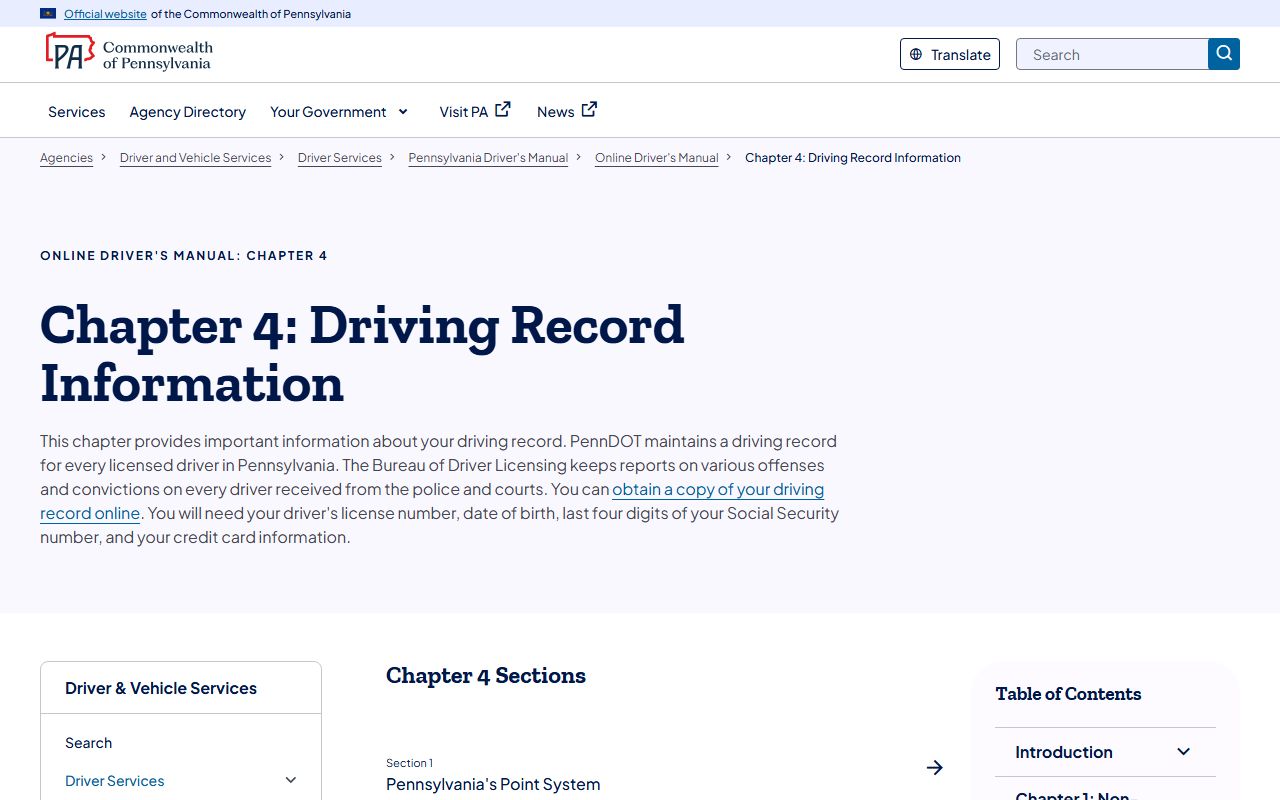
That chapter confirms the license number, date of birth, last four SSN digits, and card details an online order needs.
CDL and Commercial Driver Records
Commercial drivers play by stricter rules. A CDL violation can trigger state and federal reporting, and many carry fewer diversion options than a basic moving violation. That makes the driving record especially important for anyone who drives for a living, since a conviction can reach an employer through reporting channels. Treat a CDL ticket with care and get counsel when the stakes are high.
Employers and carriers pull commercial histories through a separate PennDOT service.
The PennDOT business driver history service handles authorized business requests for driver records.
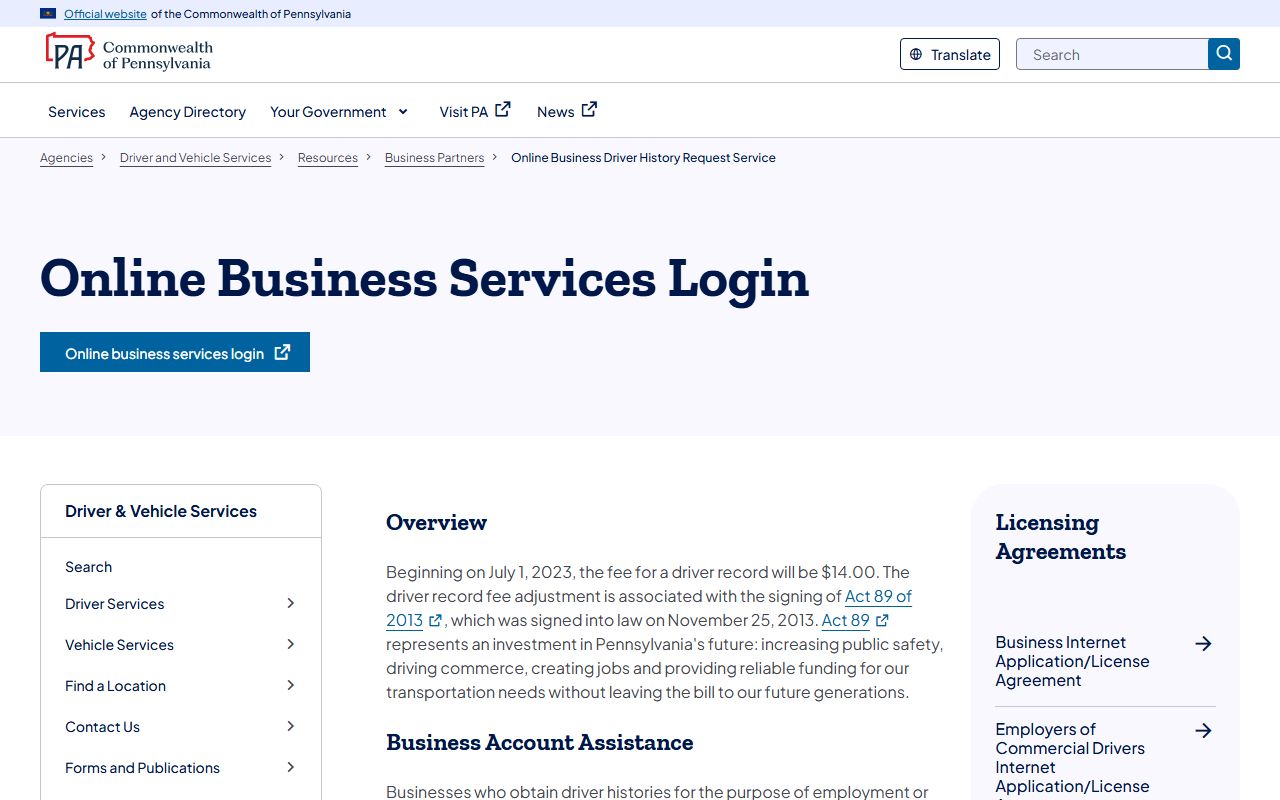
The court docket still stands apart, so a CDL holder checks the UJS traffic record for the case and the PennDOT record for license effects.
DUI / DWI Cases
DUI is not a simple traffic docket. In Pennsylvania it is a criminal matter, and the case may begin at a Magisterial District Court before moving to the Court of Common Pleas if a misdemeanor or felony charge is held for court. Because of that path, a DUI case shows up in the criminal record system, not just the summary traffic dockets.
For full Chester County DUI/DWI case information, see Chester County criminal records.
Deferred Adjudication and Defensive Driving
Drivers often ask about ways to soften a ticket's effect. Options depend on the charge, the driver's history, and what the court and PennDOT allow, so eligibility is never automatic. Commercial drivers in particular face fewer diversion choices. The court docket and the driver record respond to a disposition in different ways, which is one more reason to check both files after a case closes.
Note: confirm any diversion or course option with the issuing district court before you assume a ticket will drop off your driver record.
Sealing or Expunging Traffic Records
Court records can sometimes be cleared, but the rules turn on the case type and the disposition. Summary traffic matters follow different limits than criminal cases, and eligibility is fact-specific. The court file and the PennDOT driving record are separate, so clearing a court docket does not automatically erase the driver history. For the criminal side, including the petition path and Clean Slate sealing, the Chester County court records page covers the broader process.
Because each situation differs, it is wise to verify eligibility with the court before filing anything.
Fees for Traffic Record Copies
Fees split between the court and PennDOT. The district court charges for copies and certified documents from the case file, while PennDOT charges for driver records. Exact court copy fees vary by office, so confirm with the issuing district court before you request. The table below lists the known PennDOT figures from the research.
| Item | Amount |
|---|---|
| PennDOT business driver record (authorized users) | $14.00 |
| DL-503 basic information fee | $15.00 |
| Court copy and certified-copy fees | Set by the issuing district court |
| UJS online docket view | Free |
Note: verify current personal online driver-record fees on the PennDOT payments and fees page, since rates can change.